




A homeowner calls when dispatch is closed. The voice agent gets the conversation started.
Chat · Sales · Voice
Never missa hello.
Answer website visitors, follow up with buyers and take calls after hours. Your team gets the lead, the context and the next step.

Drag to turn 360°
Our three main services
Meet the agents.
One answers the first question. One keeps the sale moving. One picks up the phone. Choose the job your team needs help with.
Explore our servicesInteractive workflow
One enquiry.
See where it goes.
Choose a business and follow a sample conversation from first contact to handoff.
Caller
My AC stopped cooling. Could someone come tomorrow?
Voice agent
I can help with a visit. What’s your ZIP code?
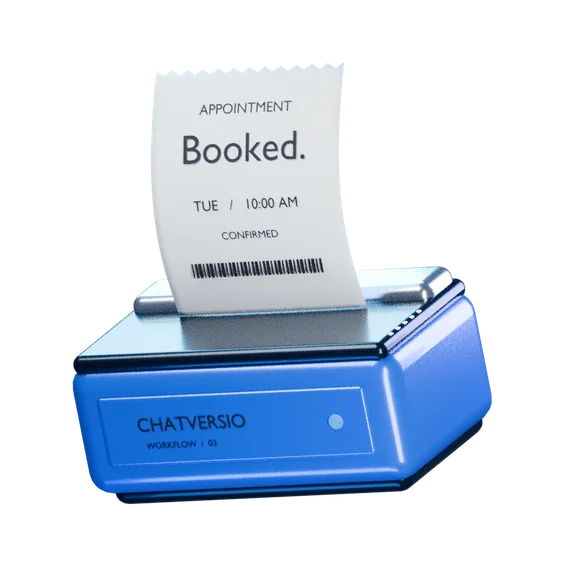
Appointment booked
AC repair
- Sent to
- Dispatch calendar
- Visit
- Tuesday, 10 AM
01 / 03
The agent checks the service area and captures what the technician needs to know.
Dispatch gets the appointment, location and repair note together.
- Agent coverage
- 24/7
- Main agents
- 03
- Supporting services
- 15
- Delivery steps
- 06
Integrations
Already part of
your setup.
Pick a tool to see one way an agent can receive an enquiry or hand work to your team.

MessagingWhatsApp
- Input
- Customer enquiry
- Handoff
- Support or sales queue
The delivery process
Built with
your team.
Six steps from the first conversation to a working agent. Open a step to see what you’ll review.

01Discover
Trace a real enquiry.
Bring a call, chat or form submission. Together we identify where customers wait and what a good outcome looks like.
DeliverableAn agreed use case and success criteria.
02Design
Write the conversation.
Choose the questions, tone and fallback. Your team reviews the words that customers will actually hear or read.
DeliverableAn approved conversation flow.
03Build
Give it a working voice.
We build the agent and rehearse ordinary requests, ambiguous answers and situations that need a person.
DeliverableA working agent you can try.
04Connect
Put the details to work.
Connect the approved phone line, website, CRM or calendar. Test that each piece of information lands in the right place.
DeliverableA tested handoff into your tools.
05Launch
Open the line.
Review test conversations and agree who owns exceptions. Your team signs off on the first live workflow.
DeliverableA launch plan and a named owner.
06Optimize
Listen back and refine.
Review missed questions, handoffs and outcomes with your team. Improve the parts that matter to the customer.
DeliverableA prioritized list of improvements.
Made for your industry
Give the agent your service catalogue, preferred tone and the questions customers really ask.
A controlled launch
Approve a working example and test the handoff before it goes live.
People on standby
Define when an agent should involve your team and who receives the request.
Outcomes you can track
Review leads, appointments and the enquiries that needed extra help.
How do I book a call with the CEO?
Choose a date, time and meeting platform in the booking calendar.
Which businesses can use an agent?
Service businesses, online shops, agencies and software teams can start with a recurring customer enquiry.
Can you build around our workflow?
Yes. Discovery covers the questions, systems and handoffs specific to your business.
Which social channels can we connect?
WhatsApp, Instagram, Facebook Messenger and Telegram can work alongside your website chat.
How long does setup take?
A simple setup can take days. Custom workflows may take one to two weeks, depending on integrations and testing.
Can we keep our phone number?
The team checks compatibility during discovery and agrees number ownership before setup.
What if the agent cannot answer?
You choose the fallback, such as collecting details for a callback. The team tests it before launch.
Can we review conversations in our CRM?
Yes. The Chat Agent can capture leads, show conversation history and let a person take over from the agent.
Can a person take over?
Yes. You define the handoff point and how the right person receives the conversation.
How are recordings and stored data handled?
Recording settings and retention periods are agreed during setup. The website privacy policy covers information submitted here.
Start with one workflow
Let’s talk.
Bring us one call or message your team handles every day. We’ll explore what an agent could do with it.